




Every top AI model in one place.
Built for Mac developers and power users.

Oops! Something went wrong while submitting the form.
Key takeaways
To integrate the Claude API into a Mac app, send a POST request to https://api.anthropic.com/v1/messages with an x-api-key header, an anthropic-version header, and a JSON body that sets the model, max_tokens, and messages. Use URLSession with async/await in Swift, and store the API key in the macOS Keychain, never in your source code.
You can absolutely integrate an LLM into Mac app development yourself. To build a working Claude API integration, you really only need two things: a valid Anthropic API key and a basic understanding of network requests in Xcode.
In this guide, I will show you exactly how to use Claude API from scratch using native Anthropic Claude Swift code. We will go through the whole process step-by-step. But I will also share a massive shortcut — a way to skip the billing and security headaches by routing your app through the Setapp AI Gateway.
| Problem | Fix |
|---|---|
| Hardcoded key leaks | Store it in the Keychain |
| Long waits, frozen UI | Stream the response |
| 401 Unauthorized | Reset the Keychain entry |
| 429 or 529 errors | Retry with backoff |
| Chat history too long | Trim old messages |
| Billing and key friction | Route via Setapp AI Gateway |
Also, read the AI Gateway docs.
Before we start writing network logic, you need a few basics in place:
I will use native URLSession for all the Swift code examples. It handles modern async/await concurrency perfectly without bloating your app bundle. If you already rely on Alamofire for your existing networking, the JSON payload structures and headers I show will translate directly.
Getting an API key takes about thirty seconds:
That’s all you need before writing any network code.
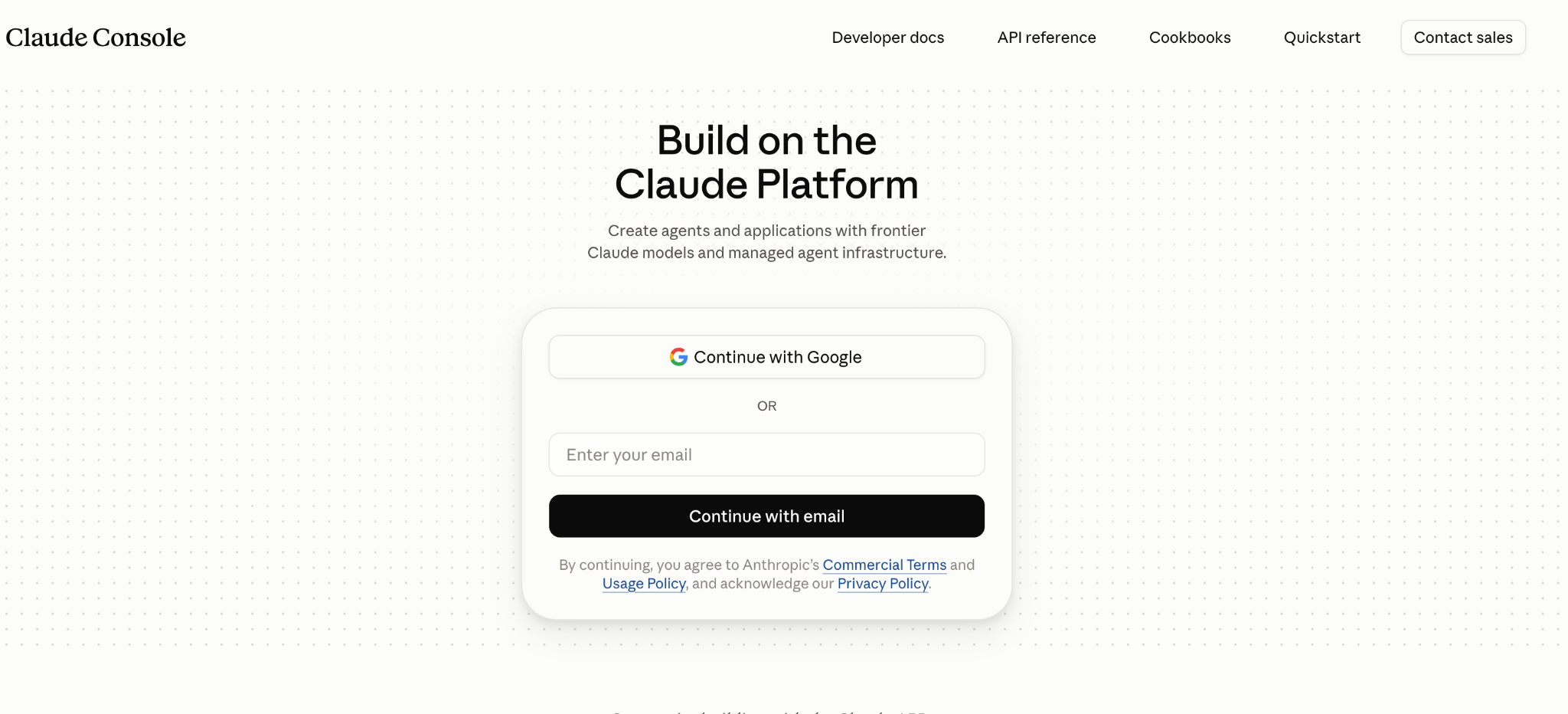
Once you copy that string, do not just paste it into Xcode. If you hardcode an API key as a raw string in your Swift files, it ends up in plain text inside your compiled .app bundle. Anyone with a basic disassembler can extract that key in minutes and let the internet run up a massive bill on your account.
I handle this by treating the API key exactly like a user password. When someone first opens the app, they have to paste in their own Anthropic credential, which gets locked away inside the macOS Keychain. This means I never actually touch their keys, and I definitely never pay for their tokens.
New organizations can start in a lower Evaluation tier, and limits rise automatically as your usage history builds, so a burst of concurrent test requests can trigger a 429. If you need more headroom, request a tier increase in the Console.
I always try to avoid using third-party dependencies in my Mac applications whenever I can. URLSession is completely adequate for dealing with the Anthropic endpoints; all you have to do is send a POST request to [api.anthropic.com/v1/messages](https://api.anthropic.com/v1/messages).
Anthropic is very strict about headers. The API rejects the request if you forget x-api-key or the anthropic-version header.
The JSON payload itself is straightforward but unforgiving. You have to specify the exact model ID, such as claude-sonnet-5-5 for Claude Sonnet 5.5. You also must include a max_tokens parameter to cap the output; otherwise, the API simply rejects the call. Then you append the actual conversation history as an array of roles and content.
Here is the native Swift implementation I use to tie all of this together with modern concurrency:
import Foundation

// A lightweight struct to parse just the text we care about
struct ClaudeResponse: Decodable {
    let content: [ContentBlock]

    struct ContentBlock: Decodable {
        let type: String
let text: String?

    }
}

func fetchClaudeReply(prompt: String, apiKey: String) async throws -> String {
    let url = URL(string: "https://api.anthropic.com/v1/messages")!
    var request = URLRequest(url: url)
    request.httpMethod = "POST"
    request.setValue(apiKey, forHTTPHeaderField: "x-api-key")
    request.setValue("2023-06-01", forHTTPHeaderField: "anthropic-version")
    request.setValue("application/json", forHTTPHeaderField: "content-type")

    let payload: [String: Any] = [
        "model": "claude-sonnet-5-5",
        "max_tokens": 4096, // thinking tokens count toward this cap too,
        "messages": [
            ["role": "user", "content": prompt]
        ]
    ]
    request.httpBody = try JSONSerialization.data(withJSONObject: payload)

    let (data, response) = try await URLSession.shared.data(for: request)
    guard let httpResponse = response as? HTTPURLResponse,
          httpResponse.statusCode == 200 else {
        throw URLError(.badServerResponse) // We will handle real error codes later
    }

    let decoded = try JSONDecoder().decode(ClaudeResponse.self, from: data)
    // Sonnet 5.5 thinks before it answers, so the first block is often an empty thinking block
let text = decoded. content
    .filter { $0.type == "text" }
    .compactMap(\.text)
    .joined()
return text.isEmpty ? "No response" : text
}When this function runs, it suspends execution until the entire server response finishes downloading. The data comes back as a deeply nested JSON object. Since I usually only care about the actual text Claude wrote back, I define a small nested struct that drills down directly into the content array to pull out that final string.
Whatever your users type becomes the prompt here, and habits like giving the model a role and some context improve the answers a lot, as this guide to prompt engineering for Mac shows.
That blocking network request from the previous section works, but waiting for Claude to generate a long response takes ten or fifteen seconds. If I just throw up a loading spinner for that long, my users assume the app froze and force-quit it. I fix this by streaming the text.
The first time I set “stream”: true in my payload, the Xcode console immediately filled up with all sorts of odd Server-Sent Event strings. Rather than sending me a neat JSON object, the Anthropic server begins to violently push fragmented bytes down the pipeline as soon as it has worked out the next word. In order to catch these, I keep the connection open by using URLSession.shared.bytes and just stay there, retrieving the raw text one piece at a time.
Here is the code I use to process that live stream:
func streamClaudeReply(prompt: String, apiKey: String) async throws {
    let url = URL(string: "https://api.anthropic.com/v1/messages")!
    var request = URLRequest(url: url)
    request.httpMethod = "POST"
    request.setValue(apiKey, forHTTPHeaderField: "x-api-key")
    request.setValue("2023-06-01", forHTTPHeaderField: "anthropic-version")
    request.setValue("application/json", forHTTPHeaderField: "content-type")

    let payload: [String: Any] = [
        "model": "claude-sonnet-5-5",
        "max_tokens": 4096,
        "stream": true, // This changes everything
        "messages": [
            ["role": "user", "content": prompt]
        ]
    ]
    request.httpBody = try JSONSerialization.data(withJSONObject: payload)

    // Open the live byte stream
    let (asyncBytes, response) = try await URLSession.shared.bytes(for: request)
guard let httpResponse = response as? HTTPURLResponse,
      httpResponse.statusCode == 200 else {
    throw URLError(.badServerResponse)
}

    for try await line in asyncBytes.lines {
        // Catch the end of the stream
        if line == "event: message_stop" { break }

        // Skip everything except data lines
        guard line.hasPrefix("data: ") else { continue }

        // Strip the prefix
        let rawJSON = String(line.dropFirst(6))

        // At this point, I decode the rawJSON and append the text to my SwiftUI state
        print(rawJSON)
    }
}
Check the HTTP status before you read the stream. Errors can also arrive mid-stream as an event: error line, so handle those inside the loop.
I read the stream line by line. Each event arrives as an event: line followed by a data: line with JSON. Some are ping events that carry no text, so I only act on content_block_delta events with a text_delta. When message_stop arrives, I end the loop. Each text chunk goes straight into my SwiftUI state, so the reply types itself out.
Even though the streaming code was working perfectly on my machine, my TestFlight users kept reporting silent failures. When you integrate LLM into Mac app development, you are completely dependent on server stability. Interpreting those error codes involves a great deal of manual supervision.
Authentication drops (401)
If a user pastes a revoked or empty API key, the server will return a 401 Unauthorized error, and I make sure to catch that particular error code, remove their invalid entry from the Keychain, and then prompt them to go back to the setup screen.
Rate limits and overloads (429 & 529)
A 429 means your organization hit a rate limit or a spend cap. A 529 means the API is temporarily overloaded across all users. Retry both with exponential backoff, and honor the retry-after header on 429s. A spend-cap 429 has no retry-after header and keeps failing until access resumes, so stop retrying when you see enforced_spend_limit_reached.
Stateless memory
Network drops aside, I also came across the issue of stateless memory. The API keeps absolutely nothing in mind. In order to provide a simple chat interface, my application has to send the whole conversation history back to the server with each and every prompt. Claude Sonnet 5.5 has a 1M-token context window, but every request resends the full history, which raises cost and latency. I trim older messages from the top to keep the payload lean. As a result, I developed a local data manager that routinely removes older messages from the top of the history just to keep the payload within the limit.
After wrestling with all that rate-limiting and token math, I realized the Swift code wasn’t the actual problem. The real bottleneck of building a Claude API Mac app is the business model. Whether you are using Anthropic or trying to make sense of OpenAI API pricing, paying for your users’ API traffic out of your own pocket is a quick way to go bankrupt.
There are two options. You can force users to generate their own Anthropic keys, which adds massive friction to the onboarding. Or, you can pay for their API traffic out of your own pocket and try to build a custom Stripe subscription system to recoup the costs.
To skip the billing headache, you can join the Setapp vendor program.
Setapp provides an AI Gateway for its developers. It routes requests to models from providers including Anthropic, OpenAI, Google, and xAI; the model name determines which one, and users pay for compute using their own Setapp AI credits. You don’t have to build a billing or subscription system for AI usage, and you don’t handle provider keys. The app signs users in with Setapp OAuth, and the Gateway checks their credits.
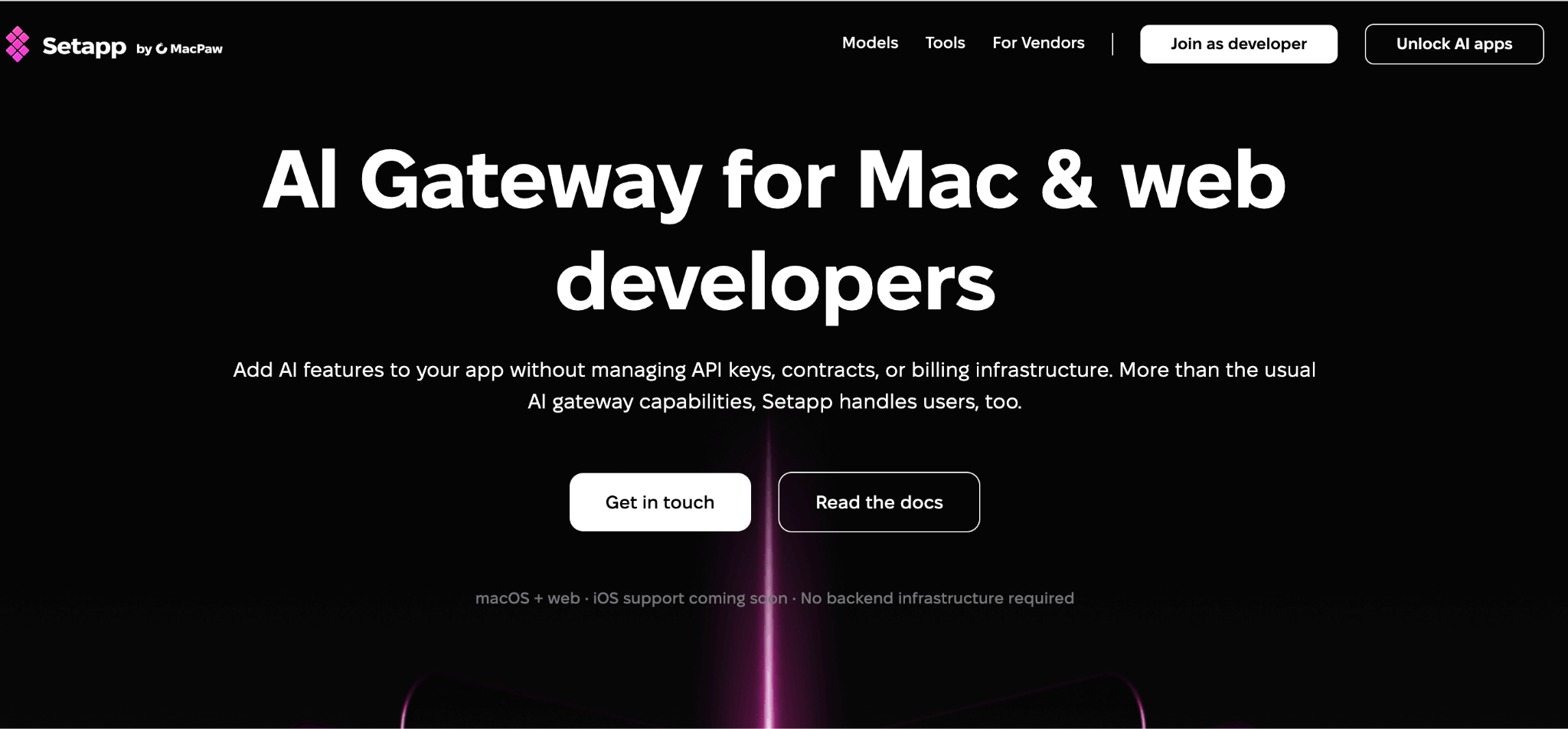
The AI Gateway speaks the OpenAI Responses API format, not Anthropic’s Messages format, so the request body, the response shape, and the streaming events are different. Authentication changes too. Instead of an API key, your app uses the Setapp user’s OAuth token with the ai.openai scope. Setapp’s Swift SDK handles that flow, so the simplest route is to use the SDK instead of hand-written requests.
import Setapp
import SetappAI

SetappManager.shared.ai.set(configuration: .init(
    authConfiguration: AuthConfiguration(
        oauthClientId: "your-oauth-client-id",
        oauthSecret: "your-oauth-secret"
    )
))

let ai = SetappManager.shared.ai
let models = try await ai.models.list()
// Model IDs use the provider/model format, so Claude models start with "anthropic/"
guard let model = models.first(where: { $0.id == "anthropic/claude-sonnet-5-5" }) else {
    return
}If you want to own the entire billing relationship with your users, maintaining a direct connection makes sense. Keeping your native Anthropic Claude Swift implementation gives you absolute authority over how credits are metered and sold. You just have to accept the ongoing maintenance tax of keeping the connection alive.
If you’d rather ship the feature without worrying about stolen keys or a homemade billing system, route requests through the Setapp AI Gateway. You’ll still handle rate-limit and out-of-credits errors in your app, but the Setapp AI Swift SDK reports them for you. Apply to the Setapp vendor program, add your app to Setapp, connect the SDK or the Responses API, and let Setapp handle credits and billing.
Keep funding your users’ tokens, and your margin shrinks with every request. Add your app to Setapp’s 300+ app catalog, connect the Swift SDK, and let Setapp handle credits and billing. Start Your Application.
Want to see how it feels for your users? Setapp Membership comes with a 7-day free trial.
FAQ
Every request needs an x-api-key header, an anthropic-version header (currently 2023-06-01), and a content-type of application/json. The body must include a model, a max_tokens value, and a messages array. See Anthropic’s versioning docs.
A 429 means your organization hit a rate limit or a spend cap. A 529 means the API is temporarily overloaded. Retry both with exponential backoff, and use retry-after when it’s present. The Claude API error reference lists every status code.
Yes. The Setapp AI Gateway lets apps on Setapp call AI models, including Anthropic’s, with the user’s Setapp token. Setapp checks credits and handles billing. See the AI Gateway documentation.
Unlimited access to every AI tool
Dozens of AI models, thousands ofusers
