




Every top AI model in one place.
Built for Mac developers and power users.

Oops! Something went wrong while submitting the form.
Key takeaways
OpenAI API pricing works per token: in 2026, a million input tokens cost between $0.10 and $10 depending on the model, and output tokens cost five to six times more.
Budgeting for an AI feature usually starts with a quick look at the OpenAI token pricing. At first glance, the tiers look harmless. It’s just a few dollars per million tokens. This makes you assume your app will only pull a couple bucks a day in API costs. But does it actually stay that cheap?
Not once you ship to production. A handful of power users testing the limits of your chat UI can quickly turn your planned $20 budget into a $600 invoice.
OpenAI charges according to the number of tokens. The rate varies depending on the kind of token.
OpenAI charges three rates: one for the text you send (input), a lower one for text it has recently seen (cached input), and a higher one for text the model generates (output)
The latest models also charge you for writing a prompt into the cache in the first place. Prices are quoted per million tokens, so how much the OpenAI API costs comes down to how many tokens of each type your app uses.
Let’s take a closer look at each token category:
Next, here's how tokens are counted.
People often assume that a token is a word, and that you only pay for the message you just wrote. In practice, it works differently.
A token is a chunk of text. Short common words are usually one token; longer words get split into pieces (for example, “unbelievable” is often split into two or three tokens). Punctuation and spaces count too. In English, 1,000 tokens is about 750 words. Other languages, code, and numbers usually take more tokens for the same amount of text.
GPT-6 Astra costs $10 per million input tokens and $50 per million output tokens; GPT-6 Sol costs $2 and $10, and GPT-6 Luna costs $0.10 and $0.50.
| Model | Input | Cache writes | Cached input | Output |
|---|---|---|---|---|
| GPT-6 Astra | $10.00 | $12.50 | $1.00 | $50.00 |
| GPT-6.1 Sol | $2.00 | $2.50 | $0.10 | $10.00 |
| GPT-6 Luna | $0.10 | $0.125 | $0.01 | $0.50 |
*Prices are in USD per million tokens, checked in October, 2026.
GPT-5.6 models are still available, and for simple tasks they can be a cheaper choice than Astra. This is also where GPT-5 API pricing stands for anyone who hasn’t migrated yet.
| Model | Input | Cache writes | Cached input | Output |
|---|---|---|---|---|
| GPT-5.6 Sol | $4.00 | $5.00 | $0.40 | $20.00 |
| GPT-5.6 Terra | $2.00 | $2.50 | $0.20 | $12.00 |
| GPT-5.6 Luna | $0.20 | $0.25 | $0.02 | $1.20 |
Need pricing for older legacy models or want to verify live rates before deploying?
Check the complete breakdown on OpenAI’s pricing page.
In theory, the OpenAI API pricing seems straightforward. You’ll be charged a few dollars for every million tokens. However, a price list won’t show you what your application will cost. So, I selected three typical apps and calculated the monthly bill for each, using the GPT-6 API prices from the table above.
I chose GPT-6.1 Sol as my base rate ($2 per million input tokens and $10 per million output tokens). OpenAI positions GPT-6 Sol as its everyday tier, with a good balance of cost and quality. In the case where you use any other model, check the applicable rates on OpenAI’s pricing page, count the tokens, multiply the number by the price per million, and then add the costs for input and output.
Suppose that you have a simple chatbot which has 100 users each day, sending a handful of messages. Over the course of a month, this amounts to about 30,000 interactions. If an average conversation makes use of 200 input tokens and 300 output tokens, your spreadsheet says the monthly bill is a reasonable $102.
The situation is in fact far worse since the API has no memory at all. You’re not simply sending a prompt that is 200 tokens long. You have to send the complete conversation history back to the server each time the user hits send, and this increasing amount of context raises your average input to about 2,450 tokens per message.
Your bill ends up at $237 even though you haven’t added a single new user or produced any additional replies. It’s precisely for this reason that simple estimates of the ChatGPT API cost per message always turn out to be too low. Although you’re being charged for the same amount of traffic, the bill more than doubles. Prompt caching will eventually take effect to lessen the impact for long contexts, but the basic rule stays: chat history quickly eats into your margins.
Processing 1000 standard PDFs a month to generate short summaries will run you about $25.
A typical 15-page document eats around 10,000 input tokens. The summary you get back is a tiny fraction of that — maybe 500 tokens. Because you are feeding the model so much raw text, input volume completely dominates the bill. It makes up roughly 80% of your total cost, easily overpowering the high premium OpenAI charges for generated text.
And unlike a chat interface, you can’t rely on prompt caching to save money here. Every single PDF is a unique document, meaning you pay full price for every single word.
For a code-generation tool, let’s say there are 10,000 requests a month, which equates to 20 developers making 25 requests a day. Each request contains about 40,000 input tokens, including project files, instructions, and the conversation history, and generates around 6,000 output tokens. Of those, about 2,000 might be actual code and another 4,000 could be internal reasoning that the user never sees but is still billed as output.
At the full input rate, that puts the monthly bill at about $1,400: $800 for input and $600 for output.
But caching can make a noticeable difference. If 35,000 of those 40,000 input tokens are the same project context repeated across requests, they can be served from the cache at $0.10 per million tokens. The cached portion would cost about $35 a month, while the remaining 5,000 tokens per request would cost another $100. Add the same $600 for output, and the total drops to roughly $735 a month.
So caching cuts the input cost from $800 to $135. It also changes where most of the bill comes from: output goes from about 43% of the total to roughly 82%. In other words, a long context doesn’t necessarily have to be expensive if much of it can be cached. The output side is harder to reduce.
This calculation also leaves out cache-write fees, so the actual cost would fall somewhere between the two estimates.
Across all three examples, your OpenAI API bill in 2026 depends less on headline token prices than on what your app does with those tokens.
The two most important factors in controlling your OpenAI API costs are smart routing and strict payload management. Just letting your users fire off unlimited queries at a flagship model will blow your budget before the month is out. Here is what you can do about it.
The easiest way to lower your monthly bill is to align your app’s internal tasks to the correct model tier. If your backend is just formatting JSON data or classifying support tickets, you don’t need the latest frontier reasoning model. Move basic background chores to a lightweight “mini” or “nano” tier. Call the heavy, expensive flagship endpoints only when the user actually wants complex logic.
Say you have a massive 5,000-word system prompt dictating your app’s behavior. If you inject a changing variable (like a timestamp or the user’s name) right at the very top of that text block, you instantly ruin your caching discount. OpenAI scans for cache hits strictly from top to bottom. The moment it hits a dynamic word, it stops matching and charges you full price for everything below it. To save money, you have to bury the unique user message at the absolute bottom of your payload, leaving your giant block of system rules untouched at the top.
If you're still shaping that system prompt, the guide to prompt engineering for Mac walks through a role, task, context, format, and constraints structure that keeps your static instructions together at the top
Don’t leave the length of your output undetermined. If the model breaks down and falls into a hallucination loop (for example, by repeating the same markdown table 50 times), it will continue to generate text until it reaches the full context limit. Since the generated text is the most expensive element of your bill, a single bad response can end up costing you a huge amount of money while you’re asleep. The solution is to set a maximum token limit on each and every request. In that case, if the model becomes uncontrolled, the generation will simply be cut off early and won’t keep draining your wallet.
A lot of AI tasks do not need to happen in real-time. If you are running a script at midnight to translate a pile of daily chat logs or summarize user uploads, do not send those requests through the standard live endpoint. Instead, dump them all into a JSON Lines file and push it to the Batch API. OpenAI will process the file sometime over the next 24 hours, and they will charge you exactly half the normal token rate for the effort. It takes a few extra lines of code, but the discount is massive.
Managing API billing as an independent developer is a reconciliation nightmare because you pay OpenAI directly while charging users separately. You are essentially fronting the cash for their compute. If a few power users generate way more text than their flat Stripe subscription covers, you just eat the loss.
If you attempt to halt this by putting a limit on how much a single account can spend, your product development will come to a standstill. At that point, you’ll be forced to set up database tables merely in order to count the tokens and then deduct the credits following each individual chat message. You cease to release any real features since you end up spending all your time on maintaining a temporary accounting system so that one aggressive user doesn’t accidentally empty your bank account.
Then there is the pure anxiety of the API key itself. If you ship a native Mac app and someone decompiles it to extract that secret string of characters, they can post it on Reddit and let the internet run up thousands of dollars on your card. You end up refreshing the OpenAI dashboard on a Saturday night, terrified of a sudden traffic spike you can’t explain.
If you build apps for macOS, you don’t have to build any of this billing infrastructure yourself. You can bypass the entire problem by joining the Setapp platform as a vendor. Setapp has a built-in system called the Setapp AI Gateway, which is specifically designed to handle API routing and token billing for you automatically.
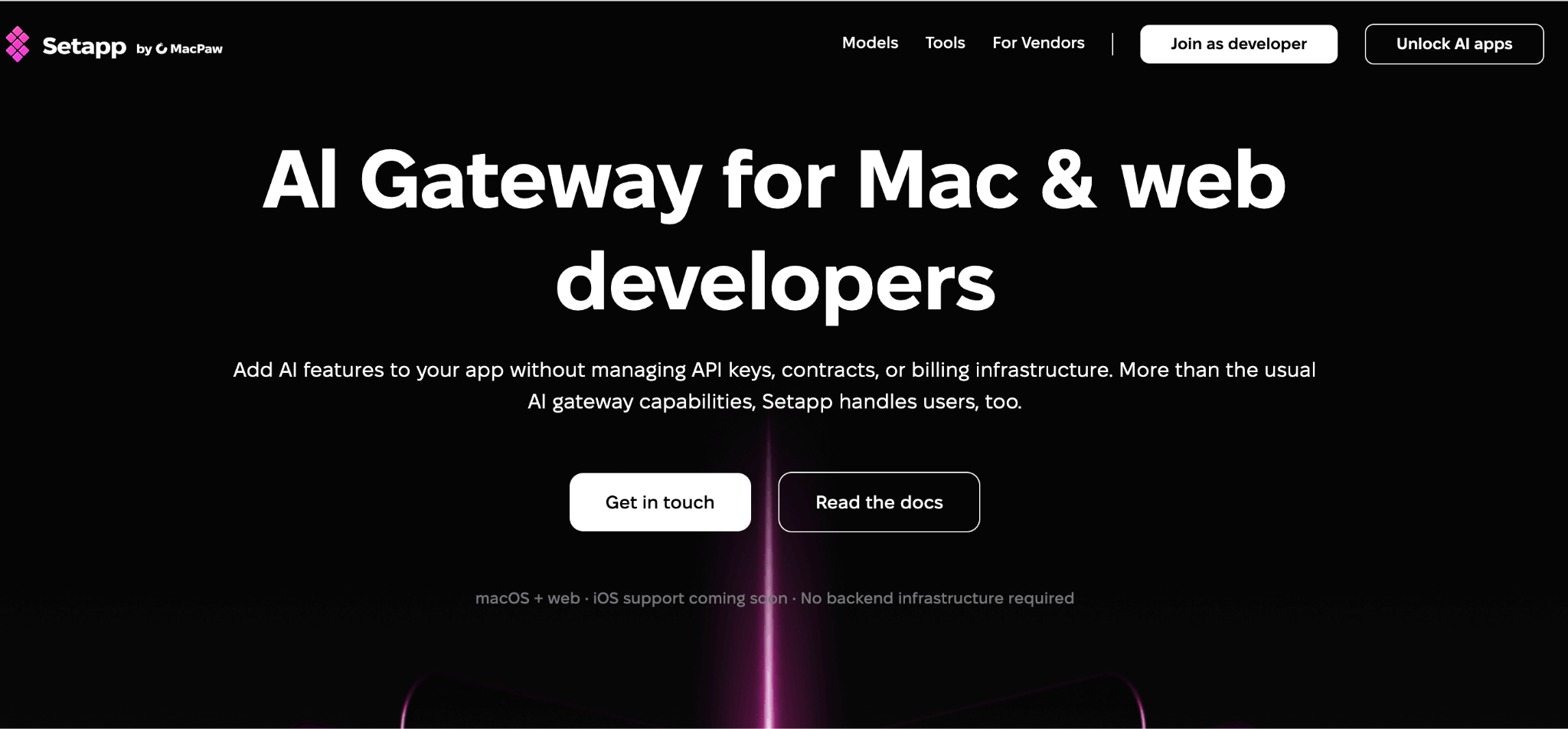
After your app joins Setapp, the billing situation changes altogether. You no longer have to pay OpenAI directly. Rather, Setapp users get a monthly quota of AI credits with their plan (1,000 on the Mac plan, up to 9,000 on AI Expert) and spend them in your app.
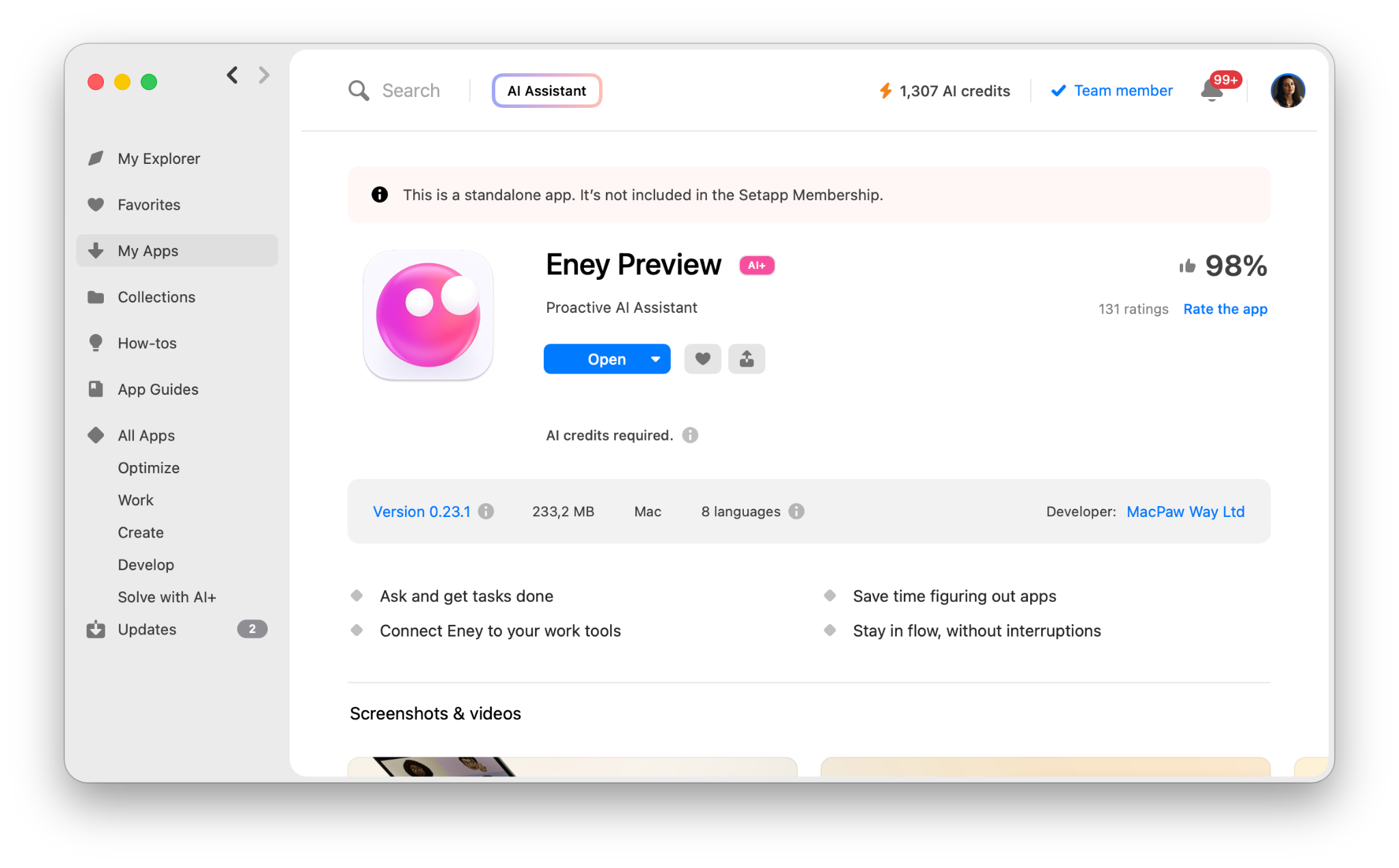
You can already see this model in action: apps like BoltAI and TypingMind run on Setapp AI credits, and their users can still add their own API keys.
Setapp is a subscription platform with 300+ apps for Mac, iOS, and web, and developers can join it through the vendor program.
To make this work technically, Setapp AI Gateway acts as a standard OpenAI-compatible endpoint. For a native macOS or iOS app, Setapp recommends the SetappAI SDK, part of the Setapp Framework, which handles authentication and credit usage. Web apps and browser extensions call the Gateway directly: change the base URL and swap your OpenAI key for the user's Setapp token. In most cases, an existing OpenAI integration needs only minimal changes.
You also have a great deal of flexibility with this one setup. In addition to the standard OpenAI models, you can direct tasks to Anthropic’s Claude. Should you want to use Google Gemini or Perplexity for particular features, these are available via the same connection. There’s no need to install new SDKs or write separate backend code for each provider.
Match each task to the right model, cache repeated prompts, cap output length, and batch background jobs to keep OpenAI API costs down. Predicting API costs is easy enough once you understand your token ratios. The real nightmare is building the custom credit ledgers and Stripe integrations to support those costs.
If you build for macOS, Setapp AI Gateway skips that work: Setapp users spend their own AI credits, and Setapp handles the billing. Apply to the Setapp vendor program and focus on shipping your app.
FAQ
It depends on the model. GPT-6 Luna costs $0.10 per million input tokens and $0.50 per million output tokens; GPT-6 Sol costs $2 and $10; and GPT-6 Astra costs $10 and $50. Cached input costs less. Check live rates on OpenAI's pricing page before you budget.
OpenAI bills per token, with separate rates for input, cached input, cache writes, and output. Output tokens, including hidden reasoning tokens, cost five to six times more than input. In English, 1,000 tokens is about 750 words, so a 1,000-word prompt uses roughly 1,300 tokens. The API also resends chat history with every message, so long conversations cost more.
Use a cheaper model for simple tasks, cache repeated system prompts, set an output token limit on every request, and send non-urgent jobs through the Batch API at half price. These four changes target the biggest cost drivers in a typical app.
Yes. Cached input costs 90% less than normal input, but only when the start of your prompt is identical across requests, and the prompt is roughly 1,024 tokens or more. Put static instructions first and changing text, like the user message, last. On GPT-5.6 and newer models, writing to the cache costs 25% more than normal input.
Setapp AI Gateway checks each user's AI credit balance before every request, so users spend their own Setapp AI credits instead of your OpenAI balance. You skip building credit ledgers and Stripe billing. Apply to the Setapp vendor program to use it
Unlimited access to every AI tool
Dozens of AI models, thousands ofusers
